Godot 4 Web Export: HTML5 No-Threads Notes for a Desktop Browser Game
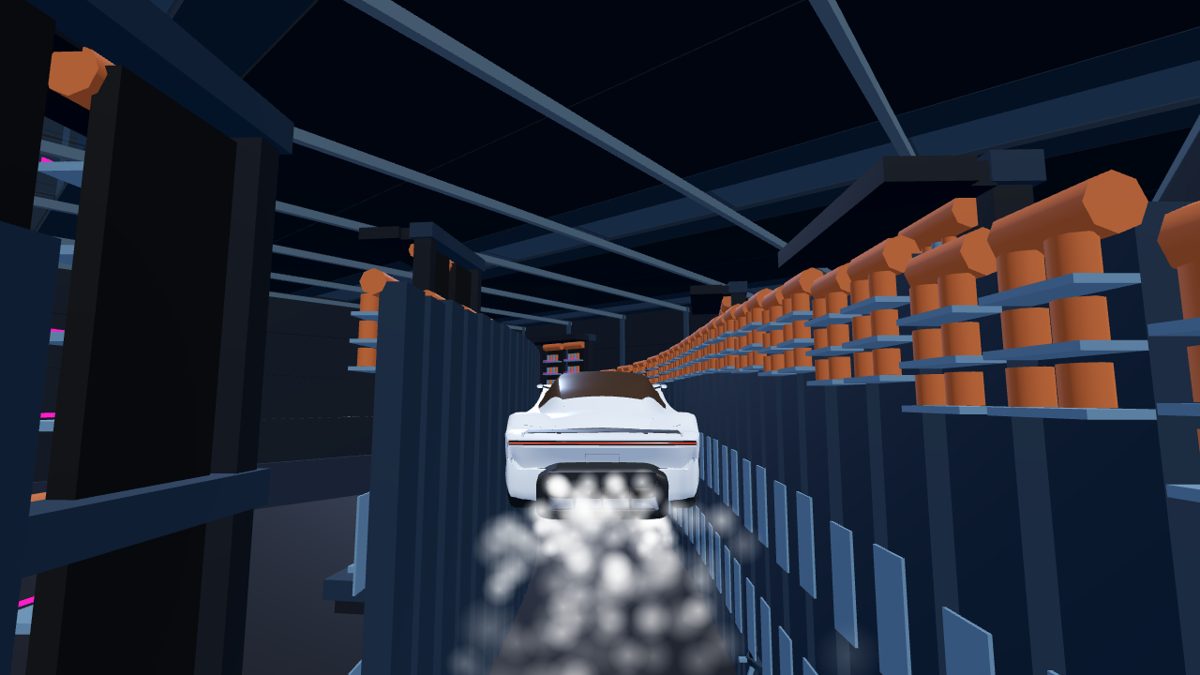
Shipping a Godot 4 web export for a racing prototype means picking a build path browsers actually load. These notes cover why we use a Godot HTML5 no-threads style export for CGT Rocket X Racer, a fan-made desktop browser game.
Why no-threads for the browser
Threaded WebAssembly builds need cross-origin isolation headers (COOP/COEP) and SharedArrayBuffer support. That is fine on a locked-down host, but it breaks on many shared CDNs, iframes, and older browser setups. A no-threads HTML5 export is slower on heavy scenes, but it loads from a normal HTTPS origin without special headers. For a short desktop runner, that trade-off is worth it.
What we keep simple in the export
- Desktop Chrome / Edge / Firefox / Safari only — no mobile WebGL path yet
- Keyboard controls; no touch UI in the shipped build
- Lean assets so first paint stays readable on a cold tab
- Clear cruise / boost pacing so the first run feels intentional (see our Godot browser racing notes)
Flight feel (side nozzles vs rear boost) is documented separately in Rocket Car Flight Pacing.
Godot Showcase and community forum angle
Godot's Showcase and community forum are natural places to share a fan-made browser build and ask for export feedback. We are not inventing official submission URLs here — use the Showcase and forum from godotengine.org if you want to list or discuss a project. For our own invite tracks after a forum or DEV write-up, use /x/godot and /x/devto.
Desktop-only is intentional
Web export does not mean "every phone". We target a landscape desktop window so boost timing and obstacle reads stay fair. If you open the page on a phone, send the link to a computer and play there.